How to run it in 60 minutes
- 0–5 minIntroductions, the role and how the interview will run
- 5–15 minBackground, then HTML, CSS and JavaScript (section 1 and the first half of 2)
- 15–40 minCoding exercise with follow-ups (section 3)
- 40–52 minFrameworks and performance (rest of section 2) or design and UX (section 4)
- 52–60 minCandidate's questions (section 6); write up your scores right after
The questions
01General background
- Tell me about your experience as a Frontend Engineer. What types of projects have you worked on?
- What frontend frameworks and libraries are you most comfortable with, and why?
- Can you describe a challenging problem you solved in a frontend project? What was the outcome?
- Have you collaborated closely with designers or backend developers? Can you share an example?
What to listen for
Products they shipped and their part in them, and how they worked with design and backend. Framework preferences explained by trade-offs, not hype.
02Technical skills
HTML & CSS
- How do you ensure your HTML is semantic and accessible?
- What techniques do you use to create responsive designs?
- Can you explain the difference between relative, absolute, fixed, and sticky positioning in CSS?
- How would you optimize the performance of a website’s CSS?
JavaScript
- What is the difference between var, let, and const in JavaScript?
- Can you explain how the event loop works in JavaScript?
- How do you handle asynchronous operations in JavaScript? Give an example.
- What is your approach to managing state in a complex frontend application?
Frontend frameworks
- Which JavaScript frameworks or libraries have you used (e.g., React, Angular, Vue)? Which is your favorite, and why?
- Can you describe a specific component or feature you built using a frontend framework?
Browser APIs and performance
- How do you handle cross-browser compatibility issues?
- What techniques do you use to optimize a website’s loading time?
- Have you worked with Web APIs like the DOM, Fetch, or WebSockets? Can you provide an example?
What to listen for
Semantic, accessible HTML by default (labels, roles, keyboard support, contrast). Layout with flexbox and grid. The event loop: call stack, microtasks vs tasks. State kept local until it must be shared, with server data handled separately. Performance in terms of Core Web Vitals, code splitting, image sizes and caching.
03Problem-solving exercise
Give one practical problem and let the candidate talk through it while they code.
Coding challenge (pick one)
- Write a simple React component to display a list of items fetched from an API. Include a search bar to filter the list.
- Given a design mockup, describe how you would implement it using HTML, CSS, and JavaScript.
Follow-up questions
- What considerations would you keep in mind for scalability and maintainability?
- How would you test the implementation?
What to listen for
Small components, loading, error and empty states, a debounced search input with a label, stable keys on list items. For a mockup: structure first, then layout, then responsiveness and states. Tests written around behavior (e.g. Testing Library), not implementation details.
04Design and UX
- How do you ensure the user interface aligns with the overall user experience?
- What tools or methodologies do you use to collaborate with designers?
- Have you worked on projects with a heavy emphasis on accessibility (e.g., WCAG compliance)?
What to listen for
Working with design early: raising feasibility questions and edge cases, using a design system. Accessibility tested with a keyboard and a screen reader, not only automated checks.
05Soft skills and team collaboration
- How do you handle feedback on your work, whether from a peer or a manager?
- Can you describe a time you disagreed with a teammate on a technical approach? How was it resolved?
- What does “good code” mean to you in the context of frontend development?
- How do you stay updated with trends and updates in frontend technologies?
What to listen for
Feedback taken without defensiveness. Disagreements settled with data or a quick prototype. "Good code" answers that mention readability, tests and users, not just cleverness.
06Closing questions
- What excites you most about frontend development?
- What are your long-term goals in this role?
- Do you have any questions for us about the team or the company?
What to listen for
Curiosity about the product and its users, not only the tech stack.
Scorecard
Rate each competency from 1 to 4 straight after the interview, before you compare notes with other interviewers, and write down the evidence behind every score.
| Competency | What to assess | Score |
|---|---|---|
| HTML, CSS and accessibility | semantics, layout, responsive design, a11y | 1–4 |
| JavaScript | async, event loop, closures, language fundamentals | 1–4 |
| Frameworks and state | component design, state management | 1–4 |
| Performance | loading, rendering, Core Web Vitals | 1–4 |
| Problem solving | coding exercise: approach, correctness, states | 1–4 |
| Product and design sense | UX judgment, working with designers | 1–4 |
| Collaboration | feedback, disagreement, communication | 1–4 |
- 1 · No evidence
- Couldn't answer, or the answer was wrong.
- 2 · Partial
- Knows the concept, but couldn't apply it or needed heavy prompting.
- 3 · Solid
- Correct and applied it to a real example, with minor gaps.
- 4 · Strong
- Clear, correct, discussed trade-offs and went beyond the question.
Run this interview in FlowHero
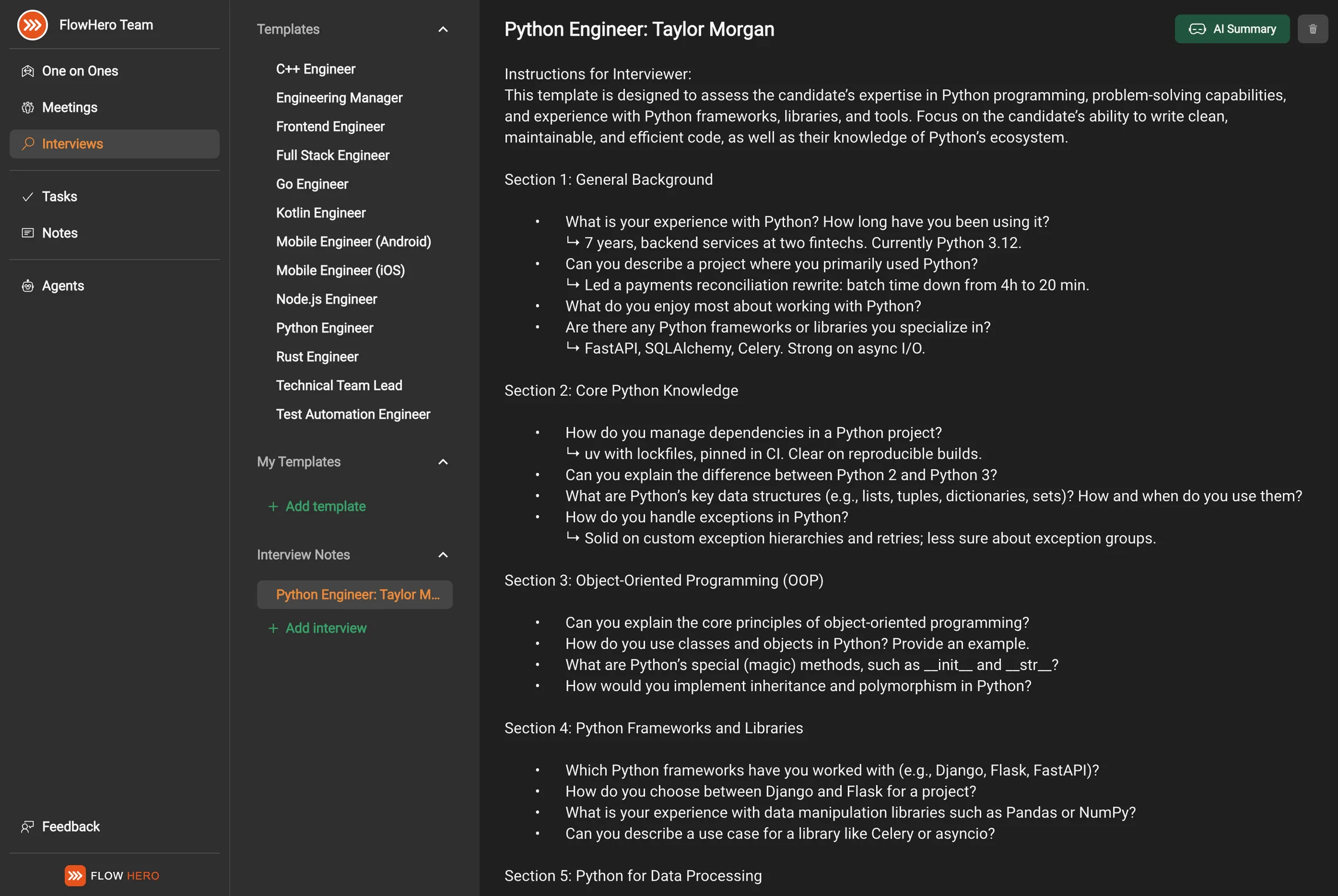
This template is built into FlowHero. Start an interview from it, take notes under each question while you talk, and get an AI summary of your notes to review before the debrief. Start free. No credit card required.
Questions about this template
Live coding or a take-home for frontend candidates?
A small live exercise (about 25 minutes) shows how they think and communicate. A take-home shows polish but costs the candidate time: keep it under two or three hours and discuss it together afterwards.
How do I assess accessibility knowledge?
Ask them to make a component accessible: labels, focus management, keyboard support, announcing changes. Then ask how they'd test it. Candidates with real experience mention screen readers and keyboard-only testing.
Is this template React-specific?
No. The exercise uses React as an example; let candidates use the framework they know best, or plain JavaScript. The fundamentals sections apply to any framework.